 touchretouch
TOUCHRETOUCH.ONLINE · INDEPENDENT GUIDE
A TouchRetouch Online Alternative: Compare Editing Workflows
A useful TouchRetouch alternative should fit the way you want to edit. If your priority is a browser workspace, touchretouch.online offers a separate route for cleanup, backgrounds and creative edits. This guide compares workflows and practical trade-offs; it does not claim better image quality than the ADVA Soft app.
Try this edit online ↗App workflow or browser workspace?
TouchRetouch has official mobile listings and a supported Apple Silicon Mac installation route. This site's editor opens in a browser without app installation. Choose the environment that suits your device and editing habits; the two products are independent.
Choose tools by the task
ADVA Soft's tutorials document people, line, mesh, clone, blur and background workflows. This site offers its own eighteen tools, including manual object selection, whole-photo AI recipes and local pixel effects. Similar tool names do not establish identical detection, controls or results.
Local edits and AI processing
Here, blur, cloning, cutouts, background-photo compositing, background blur and original-detail recovery run locally. AI edits upload the required photos for processing and use account credits. Review the official app's current documentation for its own processing and privacy rules; they are not inherited by this site.
Compare outcomes, not a feature count
Try a photo representative of your task and inspect faces, edges, text and textures. Our saved examples show both usable edits and limitations: some wires remain, and automatic subject selection can miss held objects. A single example is not a success-rate benchmark.
Check price and account differences
The official app lists in-app purchases, with current offers shown by platform and region. This site's AI edits use separate account credits; local effects do not use generation credits. We have not established which product is cheaper for your usage, and an app subscription does not transfer here.
How to get started
- Decide whether you need app integration or browser access.
- Find the tool matching your photo and review its recorded example.
- Test a representative photo and inspect the full result.
- Compare the relevant credit or app offer before committing to more editing.
RESULTS FROM OUR EDITOR
Explore the edits before choosing
These are recorded touchretouch.online results, not demonstrations of the official TouchRetouch app.
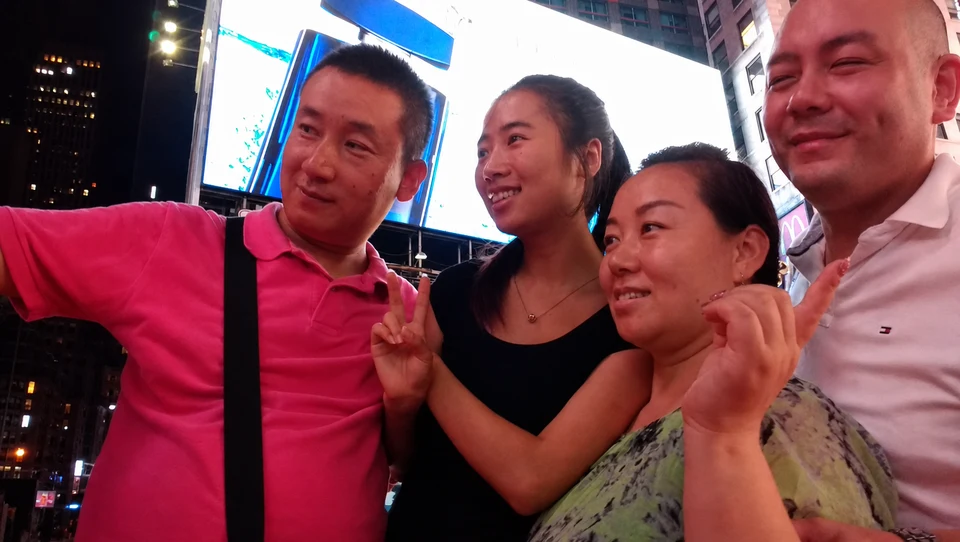
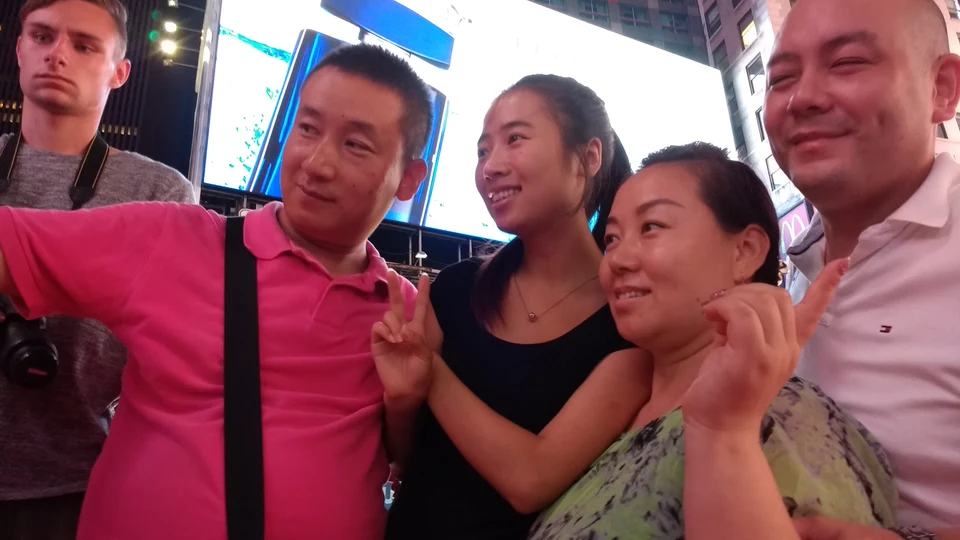 BeforeAfter
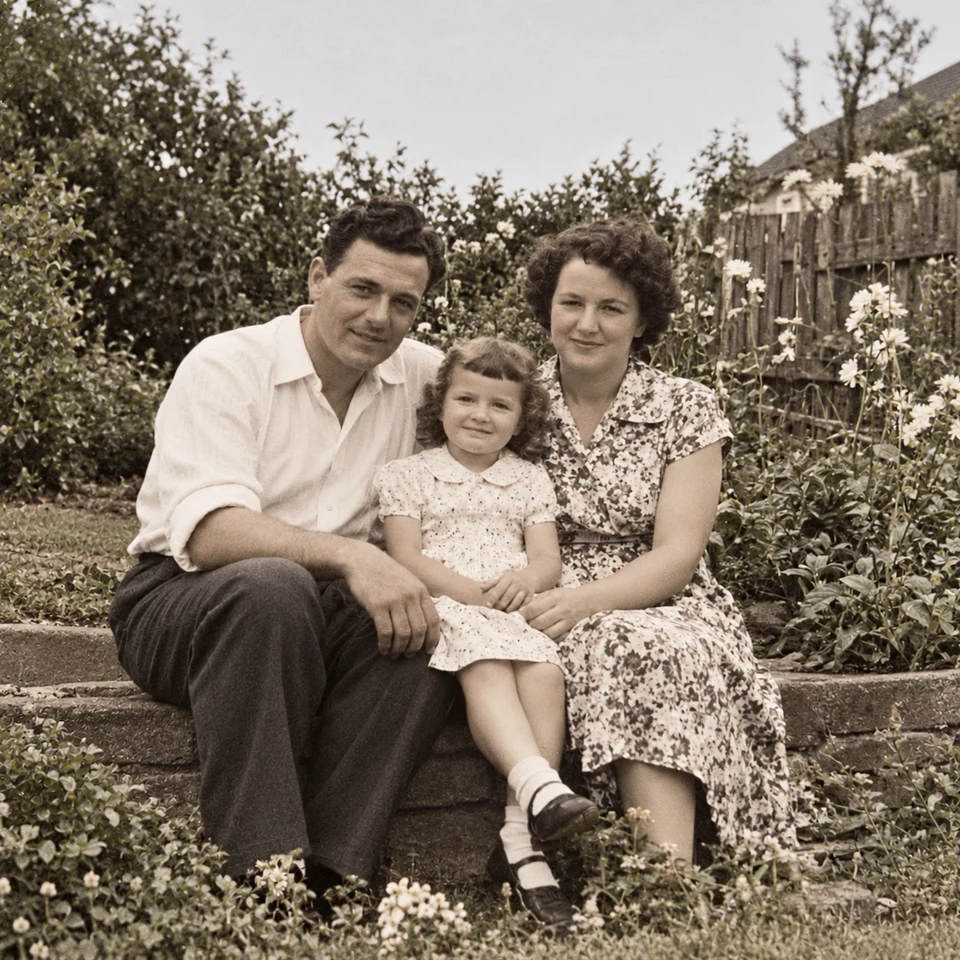
Review the retained people
A recorded result from this site. Check faces and background detail rather than only the removed area.
Open this tool ↗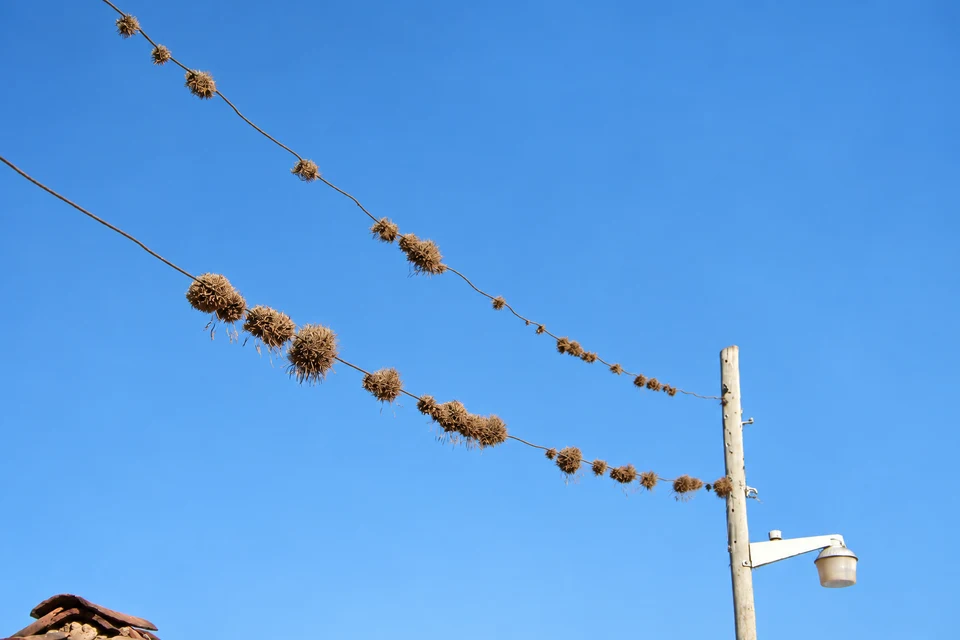
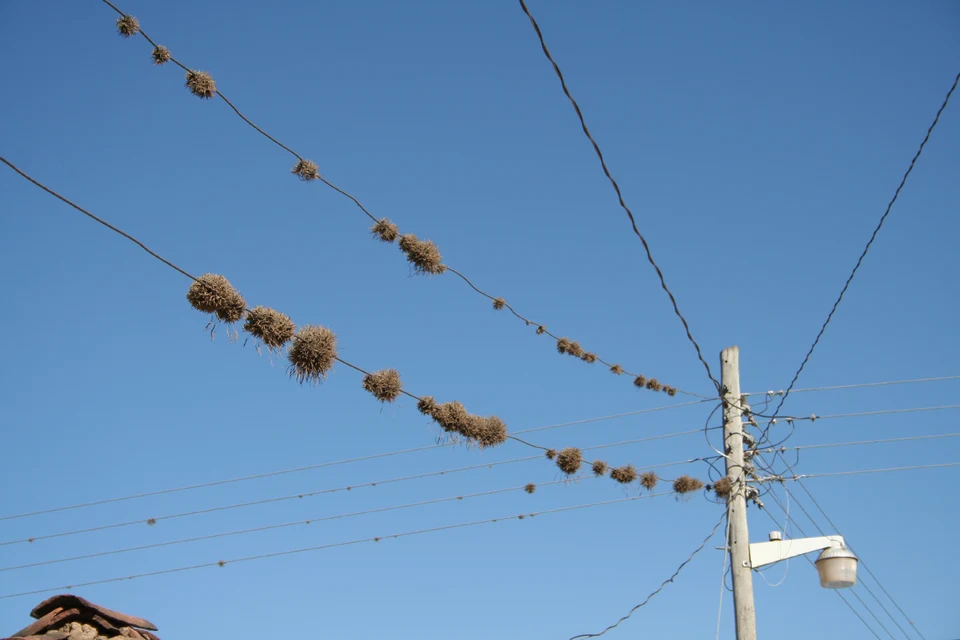 BeforeAfter
Keep partial results visible
Some wires remain in this test. We preserve that result instead of presenting a guaranteed removal.
Open this tool ↗
 BeforeAfter
Inspect automatic selections
The held helmet is missed in this local cutout example. Refine the selection before using a similar result.
Open this tool ↗GOOD TO KNOW
Frequently asked questions
Is this a free TouchRetouch alternative?
It is a separate browser alternative. Local tools do not use generation credits, but AI edits use this site's account credits. It is not an unlimited free AI editor.
Is this better than TouchRetouch?
We have not established that with a controlled comparison. Choose based on the workflow and your own result checks rather than a blanket quality claim.
Does TouchRetouch only remove objects?
No. Current official tutorials also document people, lines, mesh, blur, cloning and backgrounds. The app's available features depend on platform and device.
Can I use the same subscription?
No. This site and the ADVA Soft app have independent accounts and billing.
FIND YOUR NEXT EDIT
TouchRetouch questions & photo editing guides
Remove People from Photos Online: A Practical Guide
Remove background people or select one photobomber in a photo. Learn which tool to use, who to protect and which details to check before downloading the edit.
Read the guide ↗Remove Wires & Fences from Photos Online: Tool Guide
Choose wire removal, mesh removal or a manual selection for cables and fences. Compare recorded examples and check crossings, edges and reconstructed detail.
Read the guide ↗Change Photo Backgrounds Online: Cutout, Replace or Blur
Choose a transparent cutout, your own background photo, an AI setting or background blur. Learn how to select the subject and inspect edges before saving.
Read the guide ↗TouchRetouch Guide: App, Online Options & How to Use It
Learn what TouchRetouch does, where to find the official app and how browser editing differs. Explore an independent online option with recorded photo examples.
Read the guide ↗TouchRetouch for PC & Mac: Official Options and Browser Editing
Looking for TouchRetouch on a computer? Check the official Mac compatibility, distinguish Windows emulator guides and try an independent browser editing workflow.
Read the guide ↗A TouchRetouch Online Alternative: Compare Editing Workflows
Compare the TouchRetouch app with an independent browser workflow for object removal, backgrounds and local tools. See real examples, limits and billing differences.
Read the guide ↗