 touchretouch
TOUCHRETOUCH.ONLINE · INDEPENDENT GUIDE
Remove Wires & Fences from Photos Online: Tool Guide
A thin cable across the sky and a fence across a face are different editing problems. Wire removal targets lines across a scene. Mesh removal reconstructs larger regions behind a grid. Manual selection gives you another option for a missed section.
Try this edit online ↗Start with the obstruction
Choose Remove wires for overhead cables, or Remove fence or mesh for a repeated grid. For one particular cable, use Remove objects and its line or brush selection. Do not cover a roof edge or branch you want to retain.
Generated detail is not recovered evidence
A fence hides parts of the scene. AI can create a plausible replacement, but it cannot establish exactly what was behind it. Pay special attention to eyes, fur, text and straight architecture lines.
How to get started
- Choose the wire, mesh or manual object tool for your photo.
- Apply the edit, then compare the whole image.
- Zoom along the original lines, including crossings and endpoints.
- Inspect the main subject and download only a version you want to keep.
RESULTS FROM OUR EDITOR
Explore the edits before choosing
These are recorded touchretouch.online results, not demonstrations of the official TouchRetouch app.
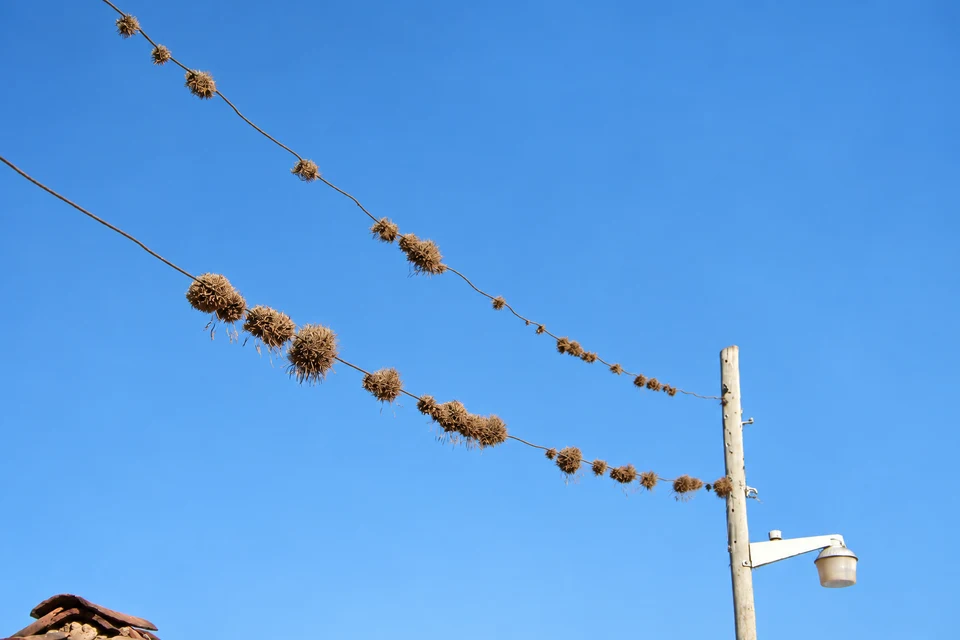
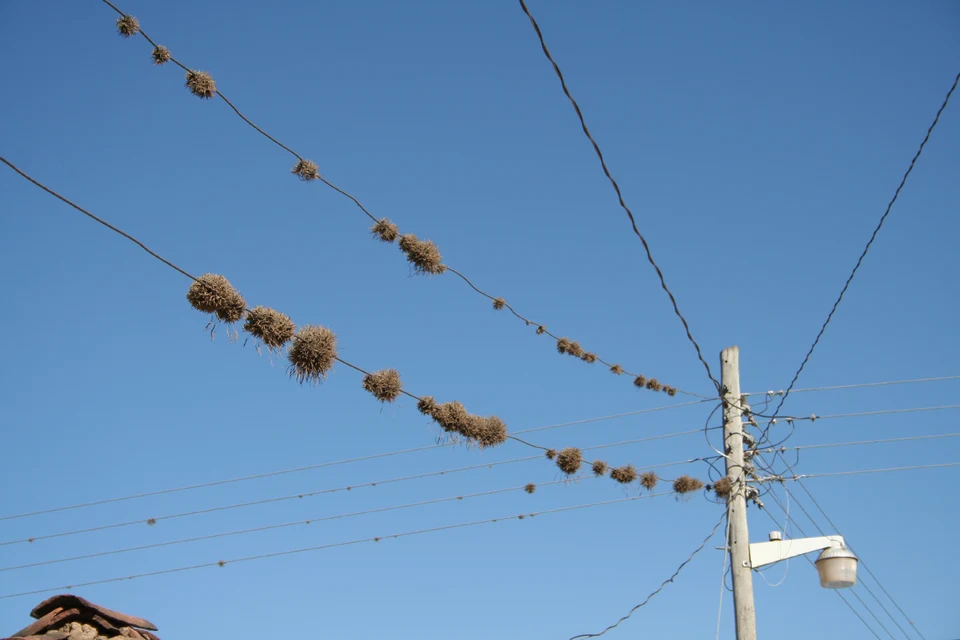 BeforeAfter
A partial wire-removal result
Some wires remain in this recorded test. Inspect the entire path before saving.
Open this tool ↗
 BeforeAfter
Reconstructing a scene behind mesh
Compare the cat and background where the fence crossed them. Hidden detail is generated.
Open this tool ↗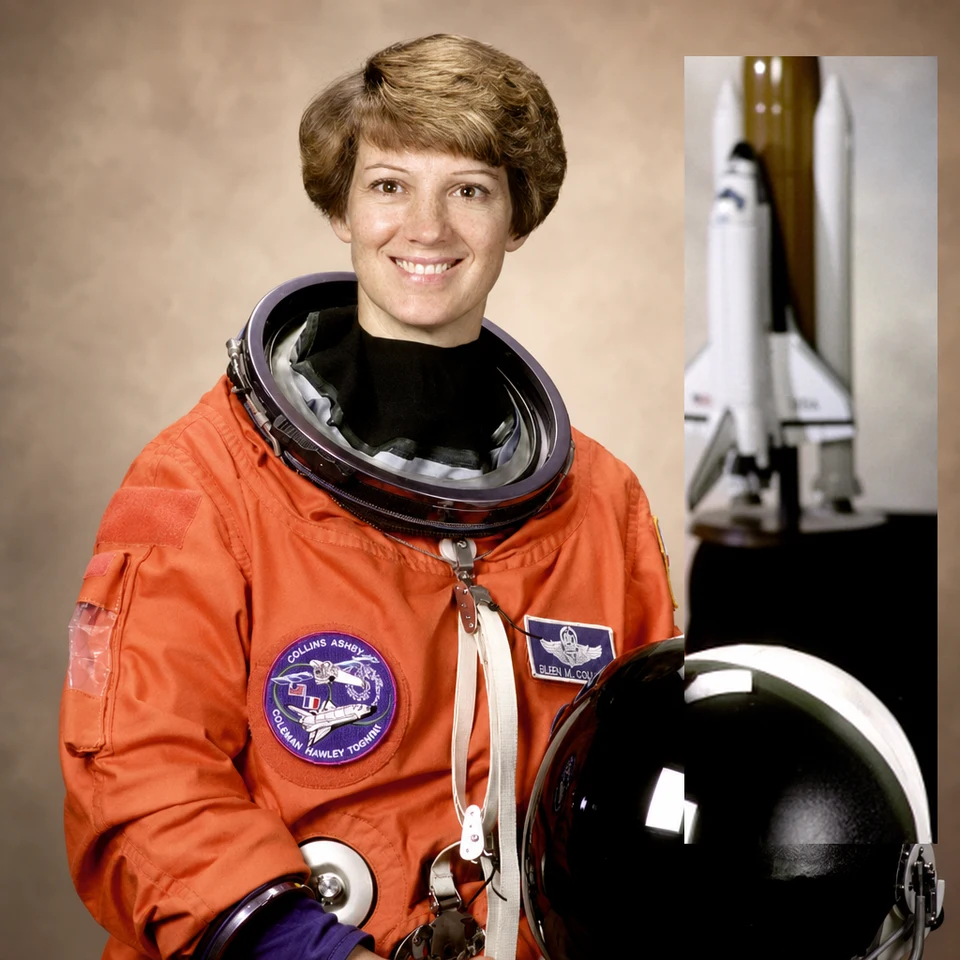
 BeforeAfter
Bring back original detail
This local recovery example restores original pixels with a visible seam. It does not remove a wire by itself.
Open this tool ↗GOOD TO KNOW
Frequently asked questions
Does the wire tool create an editable automatic selection?
No. It asks AI to edit visible wires across the photo. Use Remove objects for a selection you can refine.
Can it recover the exact scene behind a fence?
It generates a plausible replacement. The result is not proof of the detail originally hidden by the fence.
Why are some wires still visible?
Thin or low-contrast segments can be missed. Inspect the entire line rather than assuming every segment was removed.
FIND YOUR NEXT EDIT
TouchRetouch questions & photo editing guides
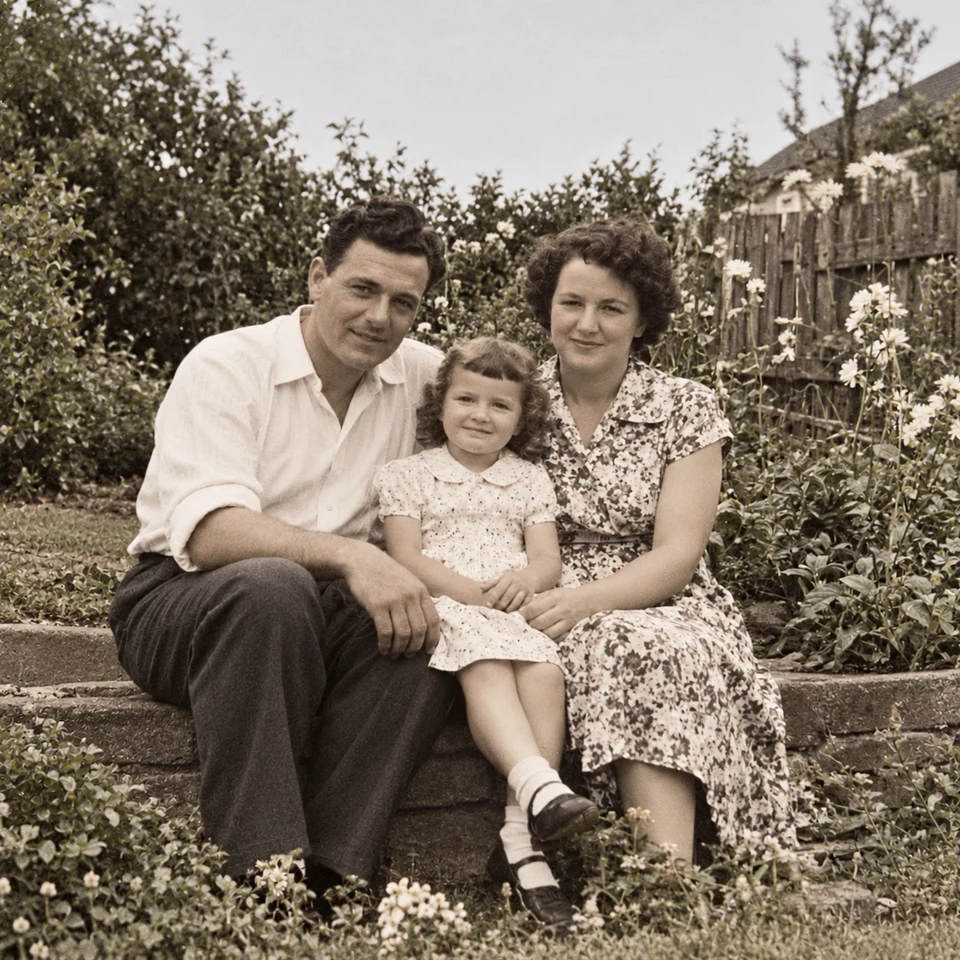
Remove People from Photos Online: A Practical Guide
Remove background people or select one photobomber in a photo. Learn which tool to use, who to protect and which details to check before downloading the edit.
Read the guide ↗Remove Wires & Fences from Photos Online: Tool Guide
Choose wire removal, mesh removal or a manual selection for cables and fences. Compare recorded examples and check crossings, edges and reconstructed detail.
Read the guide ↗Change Photo Backgrounds Online: Cutout, Replace or Blur
Choose a transparent cutout, your own background photo, an AI setting or background blur. Learn how to select the subject and inspect edges before saving.
Read the guide ↗TouchRetouch Guide: App, Online Options & How to Use It
Learn what TouchRetouch does, where to find the official app and how browser editing differs. Explore an independent online option with recorded photo examples.
Read the guide ↗TouchRetouch for PC & Mac: Official Options and Browser Editing
Looking for TouchRetouch on a computer? Check the official Mac compatibility, distinguish Windows emulator guides and try an independent browser editing workflow.
Read the guide ↗A TouchRetouch Online Alternative: Compare Editing Workflows
Compare the TouchRetouch app with an independent browser workflow for object removal, backgrounds and local tools. See real examples, limits and billing differences.
Read the guide ↗