 touchretouch
TOUCHRETOUCH.ONLINE · INDEPENDENT GUIDE
Remove People from Photos Online: A Practical Guide
An unexpected passer-by can distract from a travel shot or portrait. Choose between describing the people to keep and selecting a particular person yourself. The right approach depends on how many people are present and whether they overlap.
Try this edit online ↗Background crowd or one particular person?
Use Remove background people when your main subjects are easy to describe, such as the two people closest to the camera in the centre. Use Remove objects when you want to identify one person with a brush or lasso instead.
Keep an eye on overlapping people
People can cover hands, chairs, signs and other subjects. Removing them means generating hidden content, not revealing a guaranteed original scene. Review retained faces, hands, clothing, shadows and background textures.
How to get started
- Open your photo and choose Remove background people.
- Describe who to keep using position and visible clothing.
- Submit the edit and compare the people and the background.
- Use a focused object selection for a specific remaining distraction, then download the version you want.
RESULTS FROM OUR EDITOR
Explore the edits before choosing
These are recorded touchretouch.online results, not demonstrations of the official TouchRetouch app.

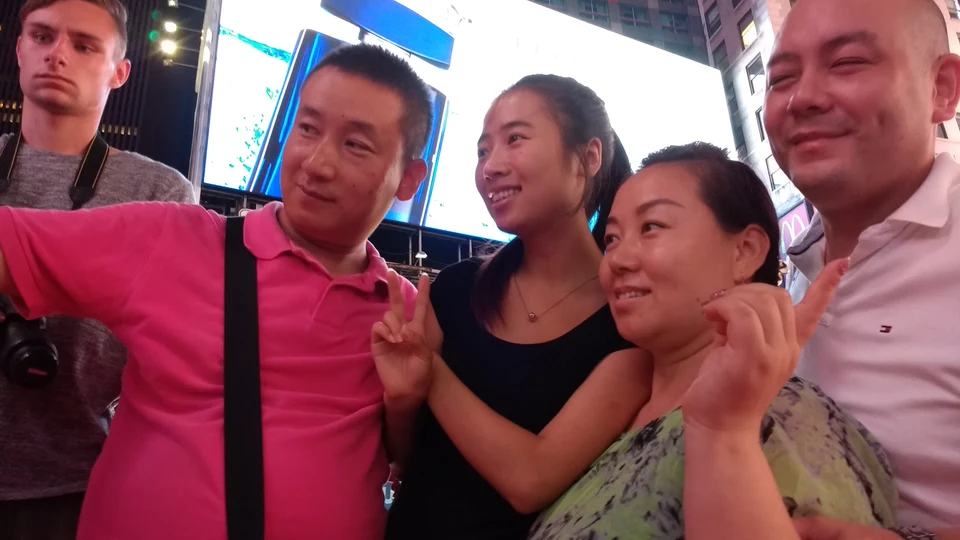 BeforeAfter
A background-people edit
Recorded AI result. Check the retained subjects as well as the cleared background.
Open this tool ↗
 BeforeAfter
Target a specific distraction
The coffee example demonstrates manual object selection; it is not a second people-removal benchmark.
Open this tool ↗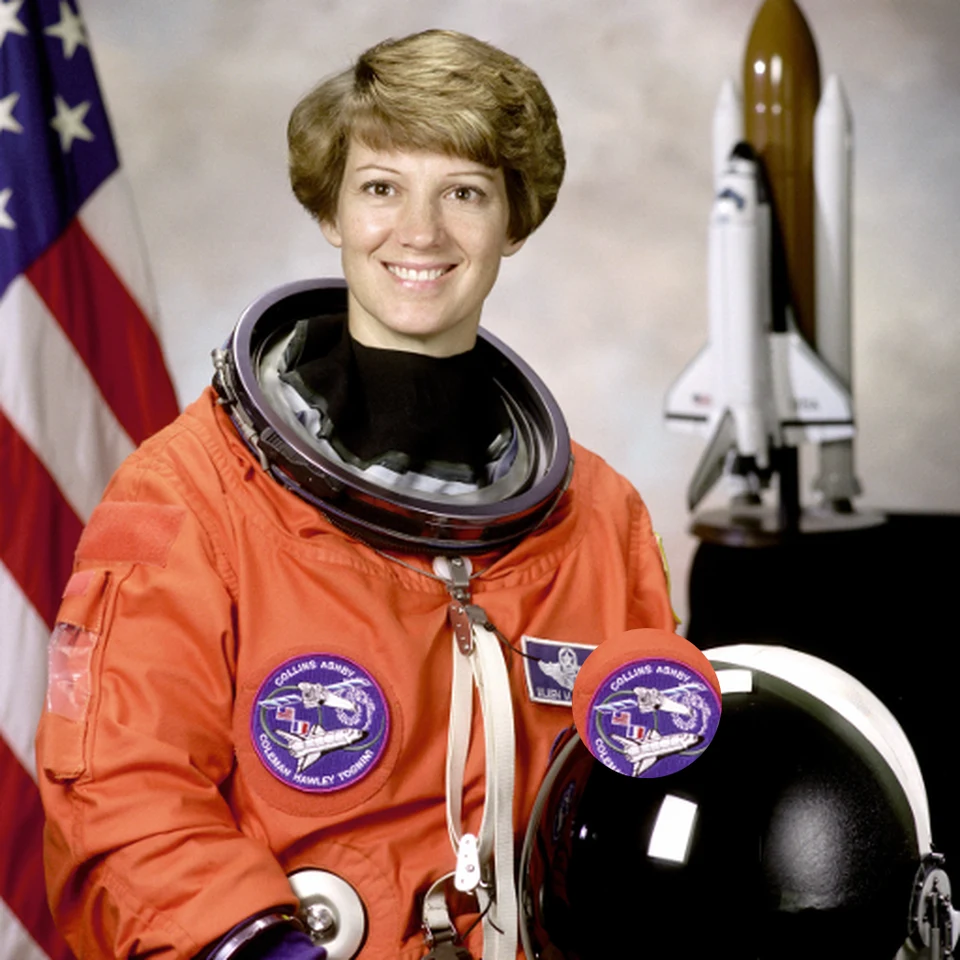
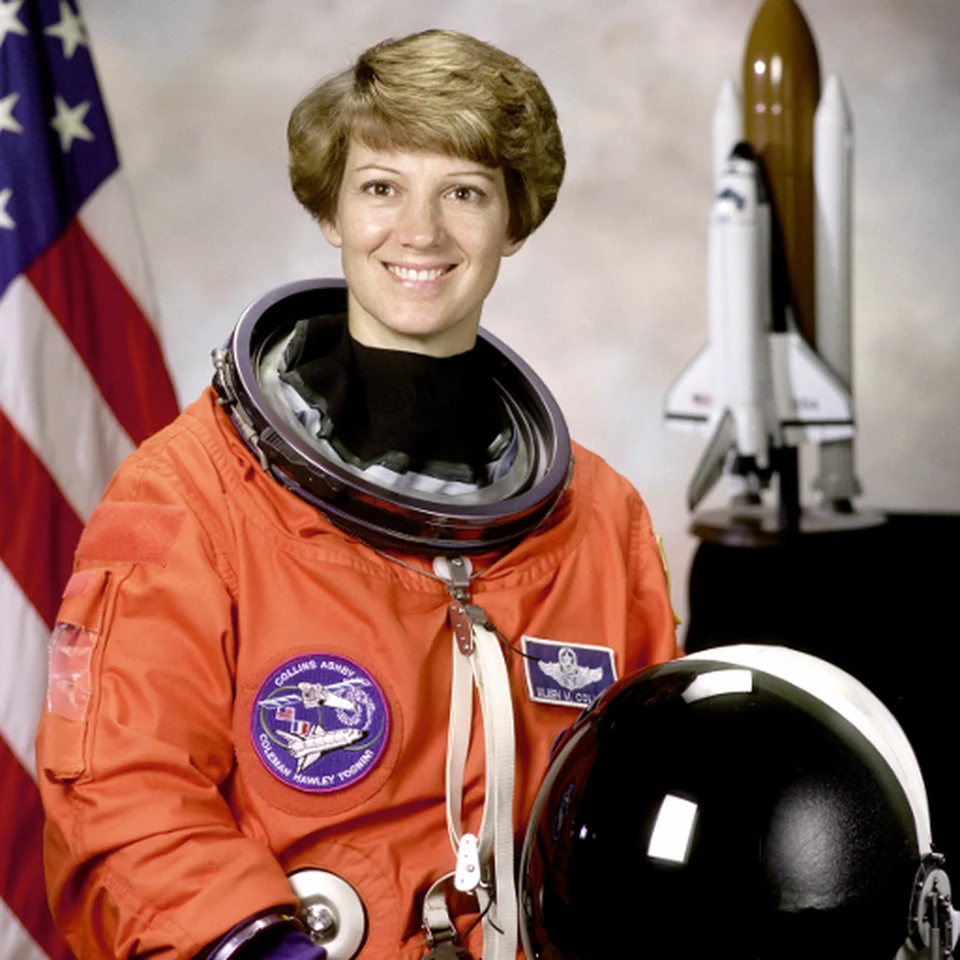 BeforeAfter
Copy a small patch
Actual local clone result with a visible edge. Choose matching texture and inspect the boundary.
Open this tool ↗GOOD TO KNOW
Frequently asked questions
Can I choose who stays?
Describe the main subjects for background-people removal, or use manual object selection for an explicit target. Neither guarantees every other detail stays identical.
Can I remove tourists from a landmark photo?
You can try the people tool. Architecture, paving and shadows need inspection after generation, especially where several people cover the same area.
Does Clone stamp remove a whole person automatically?
No. It copies from a source point to a destination. It is a manual tool for matching small patches, not automatic people detection.
FIND YOUR NEXT EDIT
TouchRetouch questions & photo editing guides
Remove People from Photos Online: A Practical Guide
Remove background people or select one photobomber in a photo. Learn which tool to use, who to protect and which details to check before downloading the edit.
Read the guide ↗Remove Wires & Fences from Photos Online: Tool Guide
Choose wire removal, mesh removal or a manual selection for cables and fences. Compare recorded examples and check crossings, edges and reconstructed detail.
Read the guide ↗Change Photo Backgrounds Online: Cutout, Replace or Blur
Choose a transparent cutout, your own background photo, an AI setting or background blur. Learn how to select the subject and inspect edges before saving.
Read the guide ↗TouchRetouch Guide: App, Online Options & How to Use It
Learn what TouchRetouch does, where to find the official app and how browser editing differs. Explore an independent online option with recorded photo examples.
Read the guide ↗TouchRetouch for PC & Mac: Official Options and Browser Editing
Looking for TouchRetouch on a computer? Check the official Mac compatibility, distinguish Windows emulator guides and try an independent browser editing workflow.
Read the guide ↗A TouchRetouch Online Alternative: Compare Editing Workflows
Compare the TouchRetouch app with an independent browser workflow for object removal, backgrounds and local tools. See real examples, limits and billing differences.
Read the guide ↗